Create & Share Your Own Visual Novel, Zero Code.

Write your story like a screenplay, design your characters and menus visually, and package a ready-to-play Windows game in one simple desktop app.

No-Code Visual Novel Studio 0 downloads

Editor Preview
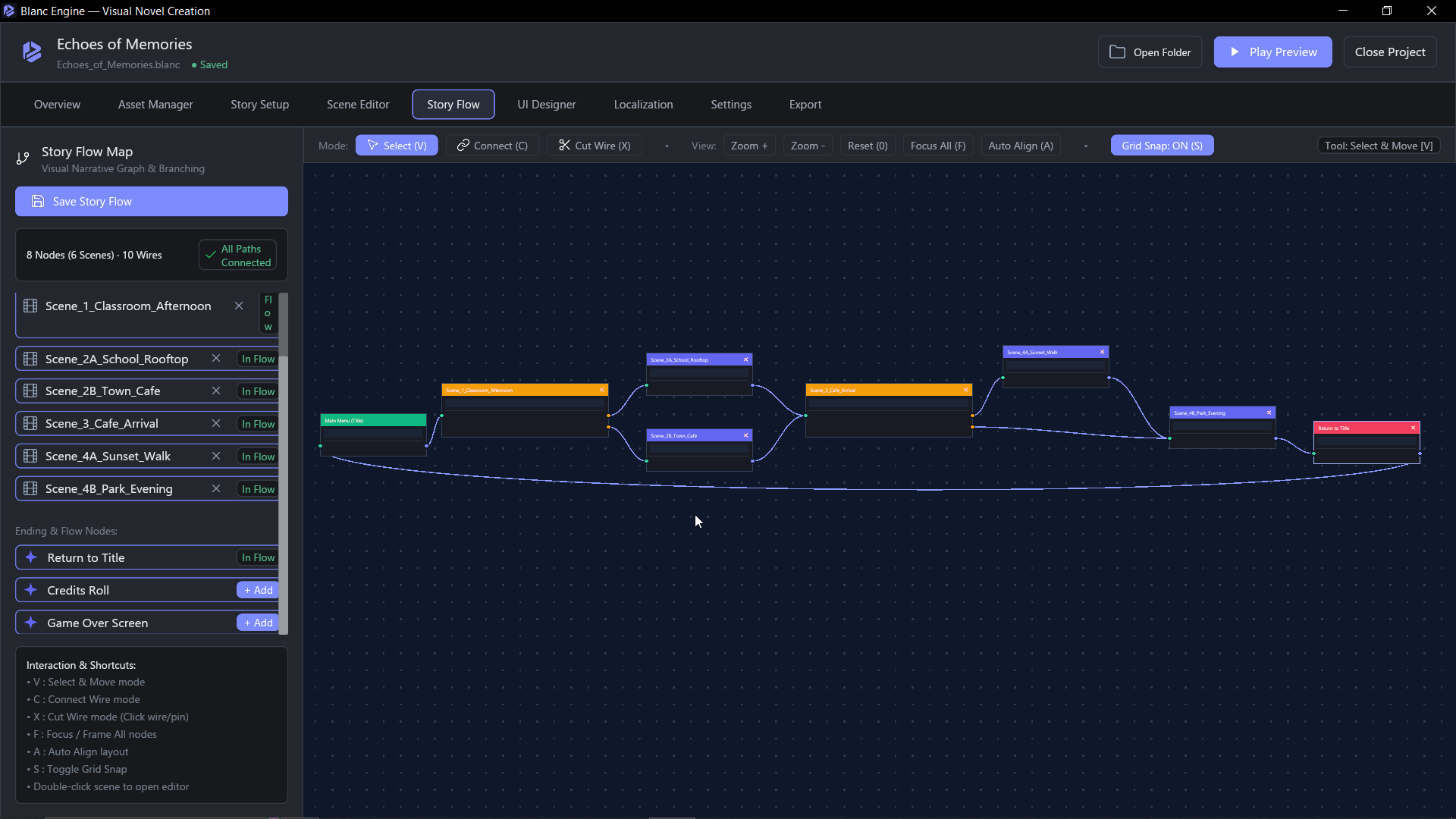
Blanc Engine Story Flow Node Graph Editor

Node-based branching graph connecting Main Menu, Scenes, Choices, and Endings.

Inside The Studio

Everything you need to bring your story to life

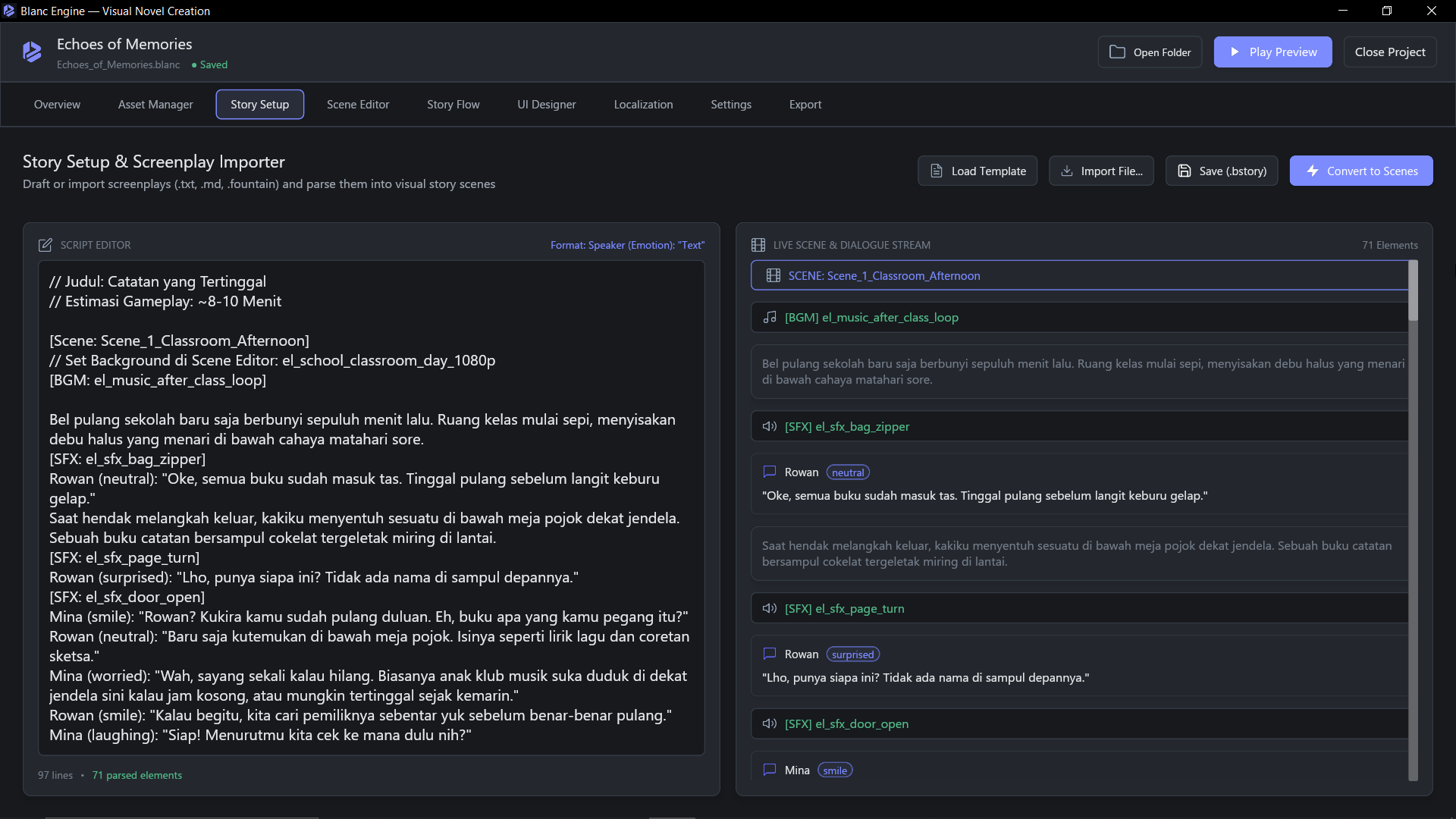
Blanc Engine Story Setup Screenplay Editor
  • Turn screenplay drafts into playable scenes in one click.
  • Fine-tune sprites, expressions, timers, and screen effects.
Interactive Demo

Try a mini visual novel right here

Click Next or pick a story choice below to see how your exported game feels to play.

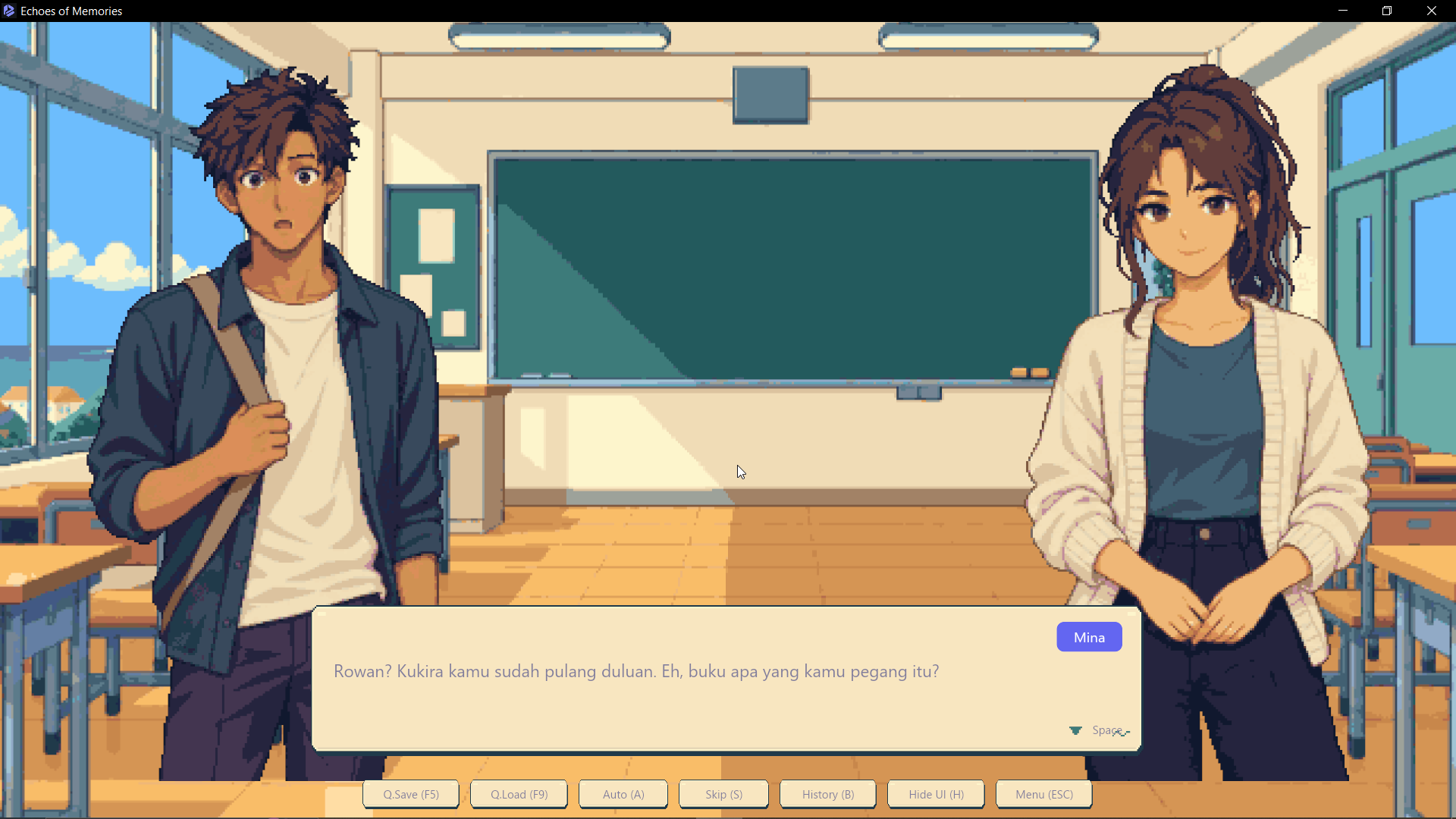
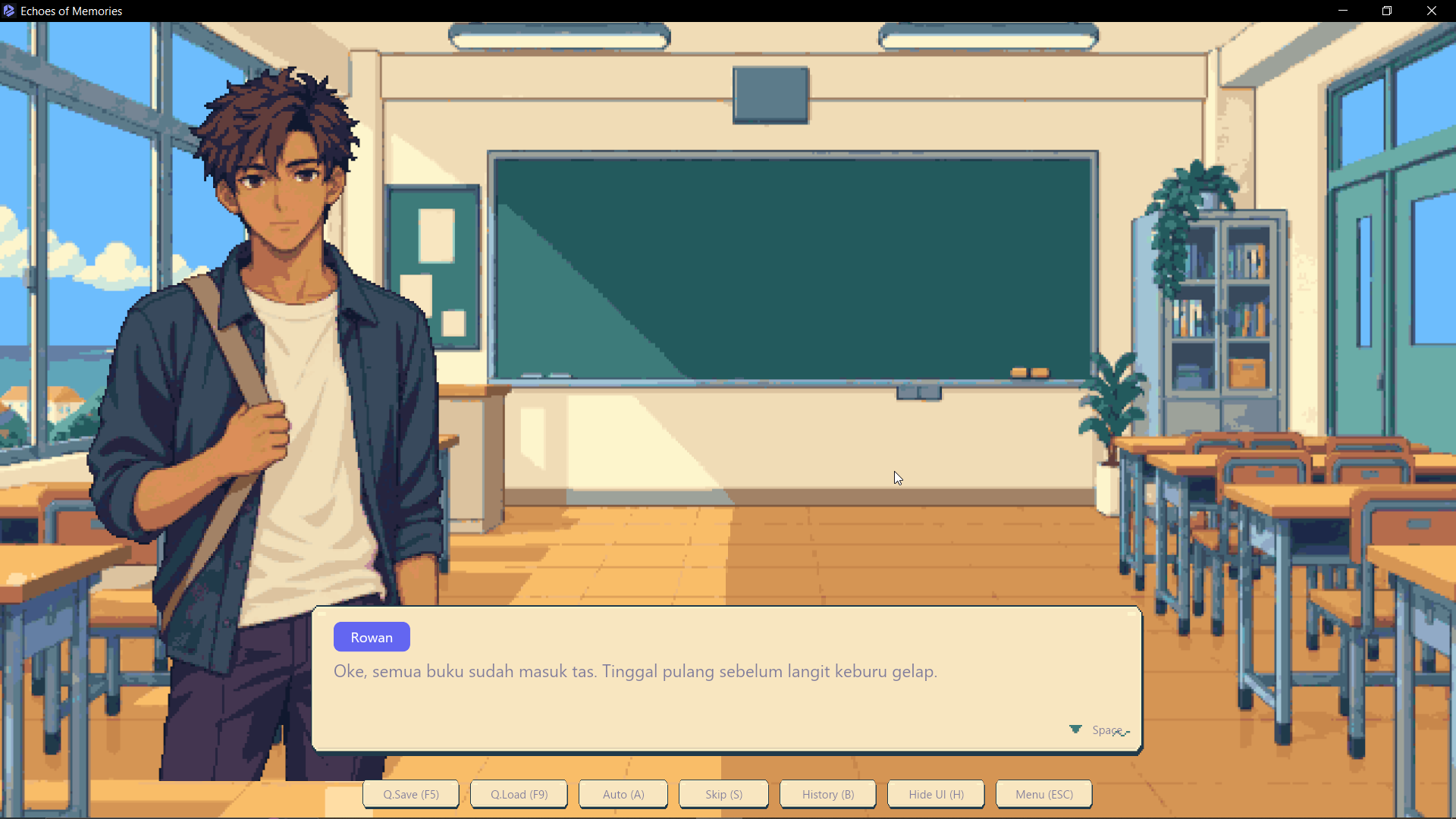
Scene: Classroom_Afternoon Playable Preview
Blanc Engine Visual Novel Stage
Aoi 1 / 4

How It Works

Three simple steps from story idea to playable game

Made for writers, artists, and indie creators who want to focus on storytelling.

01 Story Setup

Write Your Story

Type your script like a simple movie screenplay with speaker names, emotions, background music, and player choices.

  • Natural dialogue format, no coding syntax
  • Automatic conversion into editable visual scenes
  • Built-in support for branching choices
02 Visual Editor

Design Flow & Menus

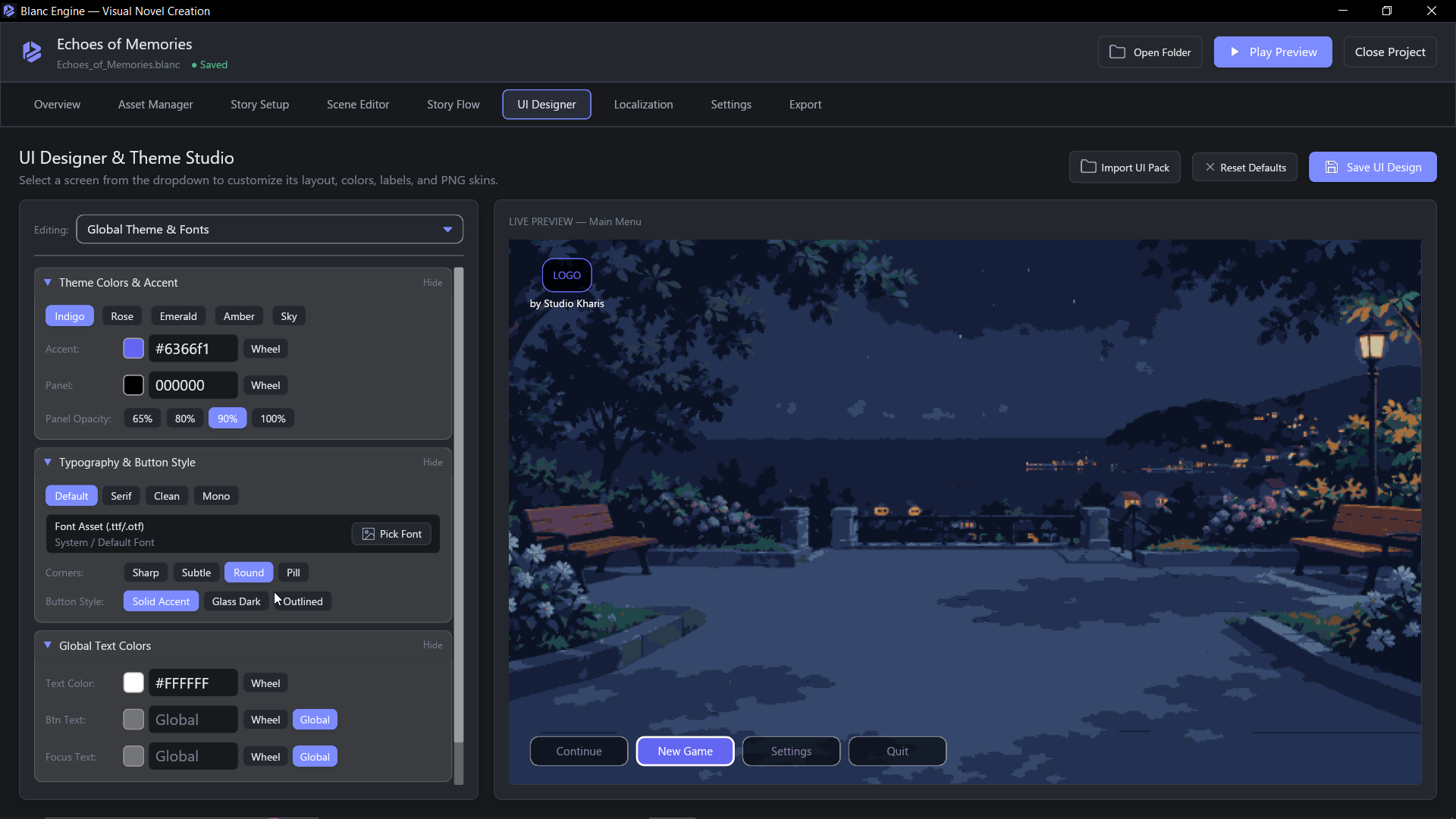
Connect chapters and endings on a visual map, adjust character expressions, and style your Title Screen and Dialogue Box with live preview.

  • Drag-and-drop Story Flow map for routes and endings
  • Live preview for Title Screen, HUD, and Save/Load menus
  • Easy visual effects like Fade, Flash, and Shake
03 One-Click Export

Share Your Game

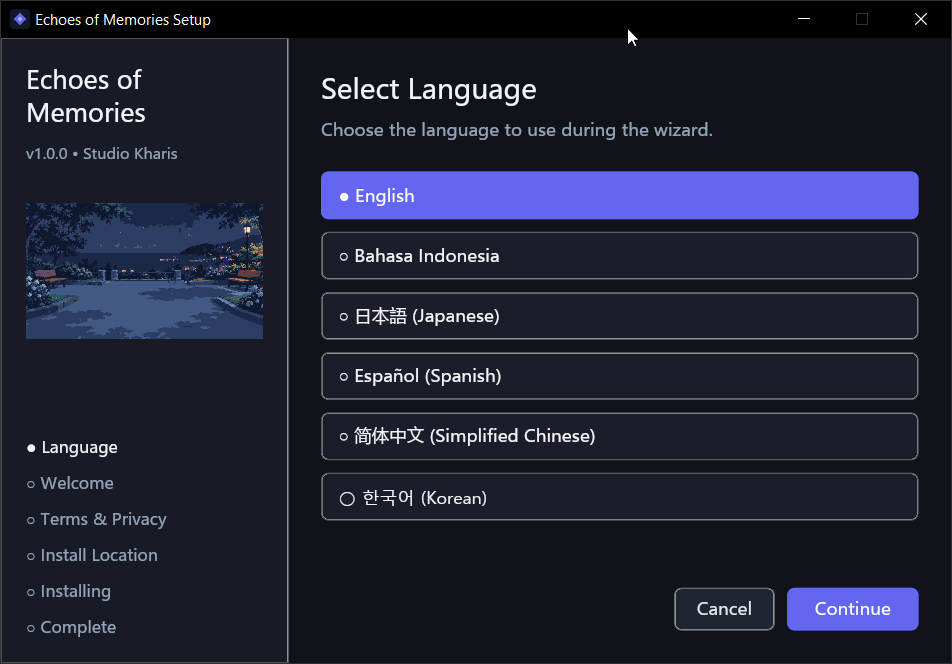
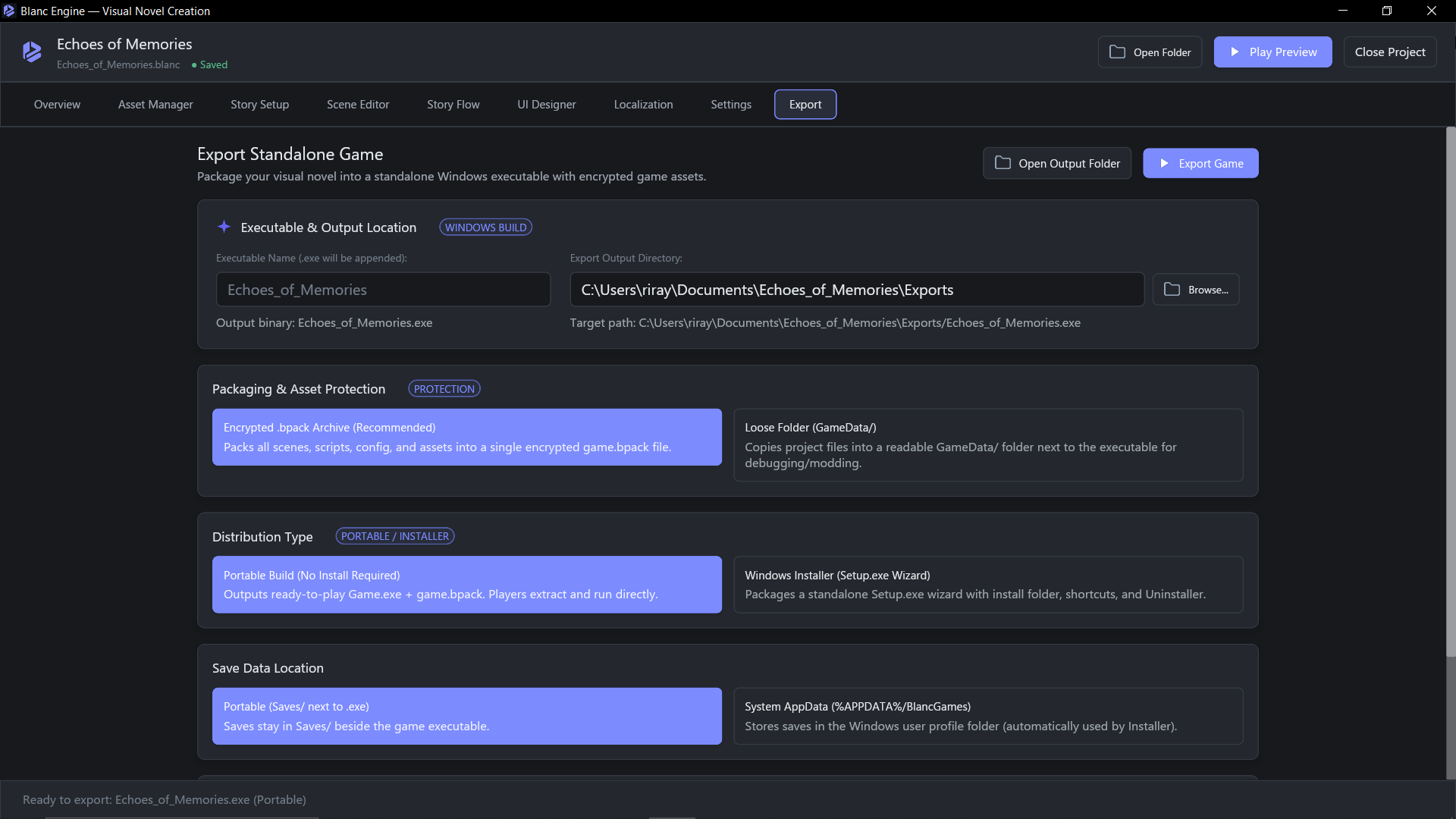
Export a standalone Windows game or a branded Setup installer so anyone can play your visual novel right away.

  • Portable build for instant play from a folder
  • Windows Setup.exe with custom icon and uninstaller
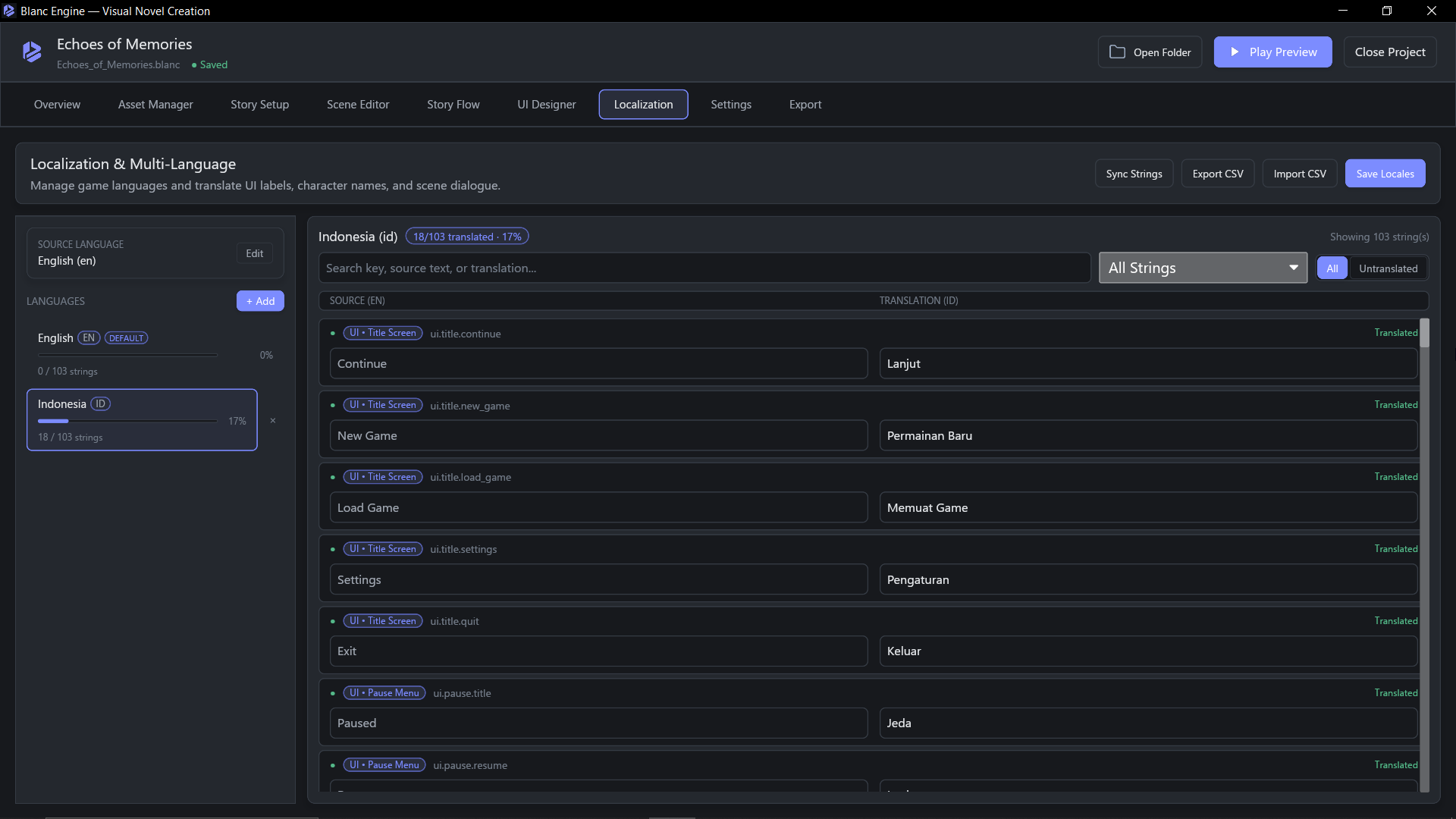
  • Built-in multi-language support via Excel/CSV
What's Next

Upcoming Features & Milestones

A glimpse into active development and upcoming releases. Synced live directly from the core team.

View Full Roadmap
Want to suggest a new feature or shape the future of visual novel creation?
FAQ

Frequently Asked Questions

Common questions from writers, artists, and creators getting started.

Do I really not need any coding skills to make a game?
Yes! Blanc Engine is built 100% for non-programmers. You write your story like a script, connect routes visually in Story Flow, and customize menus with Live Preview without touching a single line of code.
Can I use my own character art, backgrounds, and music?
Of course. You can import your own PNG/JPG/WebP backgrounds, character sprites and expressions, background music, sound effects, voice lines, and custom fonts directly in the Asset Manager.
How do players run the game I export?
You can export a Portable build (a ready-to-run Game.exe folder) or a branded Windows Setup.exe installer with Start Menu/Desktop shortcuts and a clean uninstaller. Players do not need Blanc Engine installed to play your game.
Can I translate my visual novel into multiple languages?
Yes. You can add as many languages as you want in the Localization tab, translate inside the editor or via Excel/Google Sheets (CSV), and players can switch languages anytime from the game's Settings menu.
Is Blanc Engine free to download and use?
Yes, Blanc Engine is completely free and open-source (licensed under GPL-3.0-or-later). Download the latest release for Windows and start creating right away.
Start Creating

Start building your visual novel today

Download Blanc Engine for free, follow the beginner-friendly User Guide, or share your story progress with other creators on Discord.